
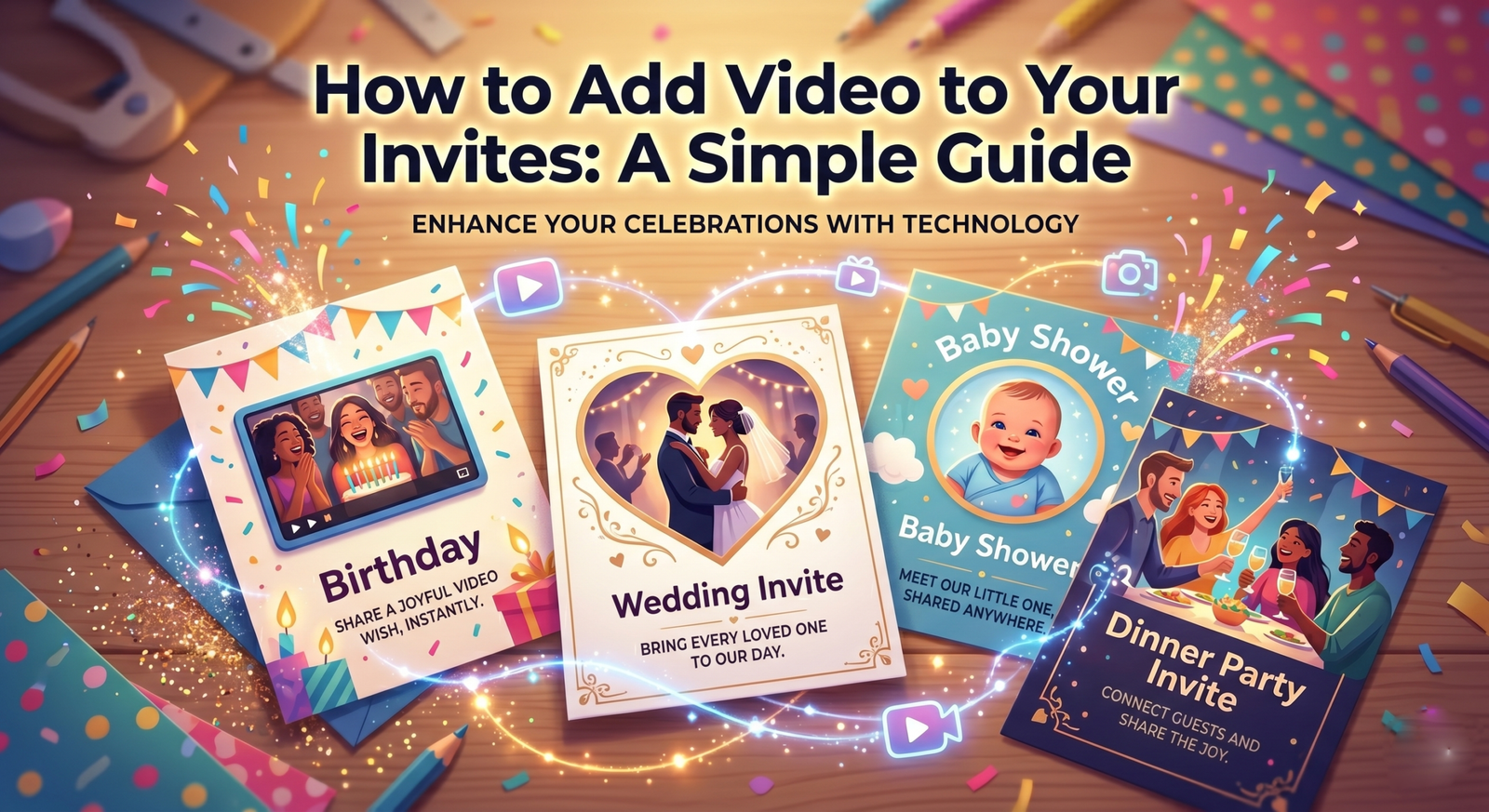
Do you want your party invitation to stand out? A simple photo is nice, but it is much better when you add video to invitations to make them feel alive.
Adding a video shows your guests that your party is going to be special. When people see a moving video, they get much more excited to attend your big event.
In this guide, we will show you how to use the PartyZa app. You will learn how to make your invites move and wow your friends in just a few minutes.
Why a Video is Better Than a Photo
A photo tells people when the party is, but it is better to add video to invitations to show how much fun it will be! Here is why you should switch to video invites today:
- It is Very Personal: Your friends love seeing your face. When you add video to invitations, it feels like you are talking to them directly.
- It Builds Hype: A video with music creates a great “vibe.” Whether it is a loud club party or a quiet dinner, video sets the perfect mood.
- It is Hard to Ignore: People get many texts every day. A beautiful video invitation from PartyZa is something they will actually stop and watch.
- It Saves Paper: Using [Internal Link: PartyZa homepage] digital invites is great for the planet. You can reach everyone instantly without wasting any paper.
How to Add Video to Invitations in 4 Easy Steps
You do not need to be a tech expert or a professional editor to use PartyZa. We have made the app very simple for beginners to add video to invitations on any smartphone:
1. Pick a Beautiful Template
Open the PartyZa app. You will see many categories, such as Birthdays or Weddings. Pick a design that you like. You can even change the colors later!
2. Tap the New Video Icon
Look at the bottom of your editing screen. You will see a small button that looks like a video camera. This is the tool you need to add video to invitations.
3. Choose a Clip from Your Gallery
Once you tap the icon, your phone’s gallery will open. Pick a short video clip.
- Tip: Try to pick a video that is clear and bright.
- Length: A 5 to 10-second clip is perfect for a quick invite.
4. Add Music and Text
Now, pick a song from the PartyZa music library. Type in your party details like the date and location. Once you are happy, hit the “Save” button!
Fun and Easy Ideas for Your Videos
If you are not sure what to film, don’t worry! It is easy to add video to invitations with these simple ideas:
- For Birthdays: Record a 5-second clip of you waving and saying, “I can’t wait to celebrate!”
- For Weddings: Use a short clip of you and your partner walking together or laughing.
- For New Homes: Do a quick “mini-tour” of your favorite corner or show your new key.
- For Baby Showers: Show a close-up of tiny baby shoes or the cute decorations.
Why Choose PartyZa for Your Invitations?
There are many apps, but PartyZa is designed for people who want high-quality results without a headache. It makes it so simple to add video to invitations and share them.
- Super Fast: Most users finish their entire video invite in less than 2 minutes.
- High Quality: Our app makes sure your video looks sharp and clear on WhatsApp.
- No Confusion: Everything is clearly labeled and very easy to find.
How to Share Your Video Invite
Once you add video to invitations using PartyZa, sharing it is the best part!
- WhatsApp: Send it directly to your family group or individual friends. It plays right inside the chat!
- Instagram Stories: Upload your invite to your story and tag your best friends to build excitement.
- Email: If you want a more formal touch, you can attach the video file to an email.
Conclusion: Start Creating Today!
Your party starts the moment the invitation arrives. Don’t let that moment be boring. By adding a personal video, you give your guests a reason to smile and say “Yes!” to your RSVP.
PartyZa makes it incredibly simple to add videos, fun music, and beautiful text to your cards. It is the best way to host a modern, cinematic event in 2026.
Ready to wow your friends? Download the PartyZa app from the Play Store or App Store today and make your first video invite!