
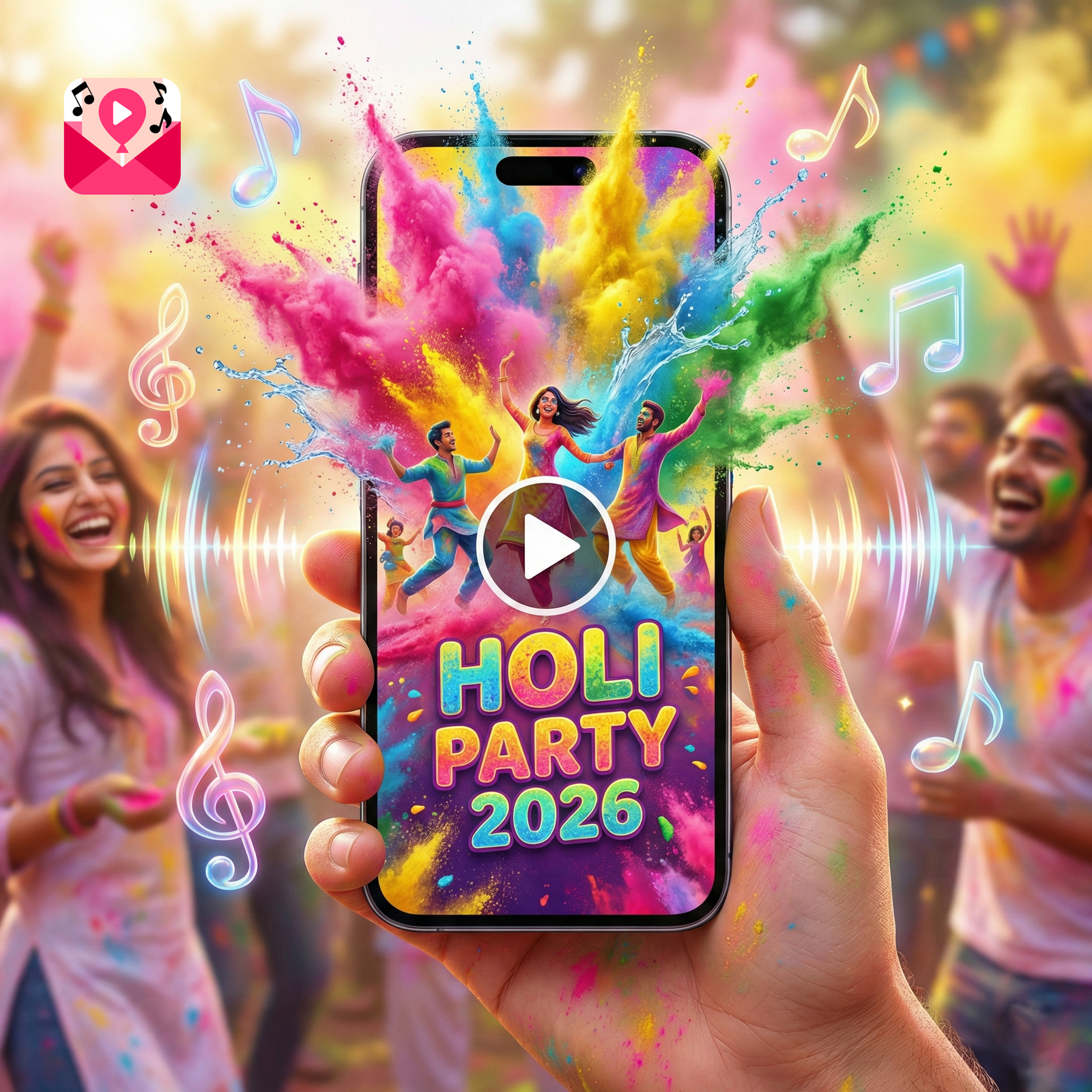
Looking for the perfect Holi Invitation with Song? You are in the right place.
Holi is not just a festival; it is a sensory explosion. It is the vibrant burst of gulal in the air, the taste of sweet gujiyas, and, most importantly, the thumping beat of the dhol that makes everyone want to dance.
If you are planning a Holi party in 2026, ask yourself this: Does your invitation capture this energy?
Sending a simple text message or a static image on WhatsApp is convenient, but it lacks the soul of the festival. It’s silent. It’s flat. It doesn’t scream “Celebration!”
This year, the trend has shifted entirely to Video Invitations with Music. Imagine your guests opening a message and immediately hearing the upbeat rhythm of “Rang Barse” or a trending Bollywood track while seeing animated colors splash across their screen. That is how you get people excited. That is how you ensure a full house.
In this guide, we will explore why adding music to your invites is a game-changer and showcase the 5 Best Design Styles you can create right now using the Partyza App.
Why Music Makes a Massive Difference
You might think, “It’s just an invite, why does audio matter?” The answer lies in psychology.
1. Music Sets the Emotional Tone
Music is the fastest way to convey a feeling.
- If you use a fast-paced Bollywood track, guests immediately know this is going to be a high-energy dance party with rain dances and organic colors.
- If you use a soft instrumental flute or sitar, it signals a more sophisticated, sit-down lunch or a family gathering. Your choice of song acts as a “teaser trailer” for your actual event.
2. Higher Engagement & RSVPs
We live in the age of Instagram Reels and TikTok. People are used to consuming content with sound. A static image is easily ignored or forgotten in a busy WhatsApp group. A video with sound demands attention. When a user hears audio, they are 3x more likely to watch the video till the end and remember the details (Date, Time, Venue).
3. It Feels Premium (For Free)
Hiring a video editor to make a custom invitation can cost thousands of rupees. But using an app like Partyza allows you to design a premium Holi Invitation with Song by syncing animation with audio instantly. It makes you look like a host who pays attention to every detail, impressing your guests before they even arrive.
Top 5 Holi Invitation with Song Trends (2026)
Not all Holi parties are the same, and your invite should reflect your specific vibe. Here are the top 5 trending styles available on the Partyza App:
1. The “Bollywood Blockbuster” Style
This is the most popular choice for big house parties, farm-house events, and club nights.
- The Vibe: Loud, colorful, and energetic. Think neon colors, sunglasses, and dramatic fonts.
- Visual Elements: Fast transitions, animated dancers, and bold typography.
- Best Song Choice: You need high-energy anthems here. Tracks like “Balam Pichkari,” “Jai Jai Shiv Shankar,” or the classic “Rang Barse” work perfectly.
- Who is this for? If you have a DJ, a rain dance setup, or thandai counters, this is your template.
2. The “Traditional & Elegant” Style
Not everyone wants a loud rave. For many, Holi is about tradition, meeting elders, and enjoying good food.
- The Vibe: Warm, welcoming, and respectful.
- Visual Elements: Soft watercolors, marigold flowers (Genda Phool), mandalas, and imagery of Lord Krishna or Radha.
- Best Song Choice: Classical instrumental beats (Tablas or Flute) or soft folk renditions of Holi songs. Avoid remixes here; keep it pure.
- Who is this for? Residential society gatherings, family lunches, or “Phoolon ki Holi” events.
3. The “Water Splash” Animation
This design relies heavily on sound effects synced with visuals.
- The Vibe: Refreshing and playful.
- Visual Elements: The video starts with a white screen, and suddenly—SPLASH!—colored water hits the screen to reveal your party details.
- Best Song Choice: Look for tracks that start with a drumroll or a beat drop. The music should “hit” exactly when the colors splash on the screen.
- Who is this for? Pool parties, wet Holi events, and outdoor games.
4. The “Cute Kids” Theme
Holi is a favorite festival for children. If you are hosting a party for your little one and their school friends, the invite needs to be cute, not chaotic.
- The Vibe: Innocent, fun, and safe.
- Visual Elements: Cartoons playing with pichkaris (water guns), bright balloons, and comic-book style text bubbles.
- Best Song Choice: Playful, instrumental tunes or kids’ versions of Holi songs. Keep the volume moderate.
- Who is this for? School events, playdates, or children’s birthday parties falling on Holi.
5. The “Modern Minimalist” Style
For corporate offices or formal gatherings, you don’t want too much clutter.
- The Vibe: Professional yet festive.
- Visual Elements: Clean typography, simple color accents on a white or dark background, and subtle animations.
- Best Song Choice: Lo-fi beats, soft electronic music, or a modern fusion track. It should be background music, not overpowering.
- Who is this for? Office parties, client greetings, or formal dinners.
How to Choose the Right Song? (A Quick Guide)
Choosing the wrong song can ruin a great video. Here are 3 tips to get it right:
- Check the Duration: Most WhatsApp Statuses are 30 seconds. Ensure your song’s “hook line” (the best part) plays within the first 10-15 seconds. Partyza templates are auto-optimized for this.
- Match the Lyrics: Don’t just pick a beat. Ensure the lyrics fit. A romantic Holi song might be weird for an office party!
- Volume Balance: Ensure the music isn’t so loud that it scares the user when they open it.
Step-by-Step: Creating Your Musical Invite on Partyza
You don’t need a laptop or expensive software. Here is how to make your invite in 5 minutes:
Step 1: Download the App Install Partyza from the Google Play Store or Apple App Store. It’s free to download.
Step 2: Navigate to “Festivals” Scroll to the “Holi” category. You will see dozens of templates labeled “New for 2026”.
Step 3: Select & Customize Tap on a template you like.
- Edit Text: Change “Holika Dahan” to your specific event name if needed. Add Date, Time, and Map Location.
- Add Photos: Upload a picture of the host or your company logo.
Step 4: The Audio Magic Tap the “Music” icon. You can:
- Choose from the Partyza Library (Categorized by Bollywood, Traditional, Funky).
- Upload Your Own: If you have a specific MP3 file on your phone, you can use that too.
- Trim: Select the specific 30 seconds of the song you want to play.
Step 5: Export & Share Click “Save”. The app renders your Holi Invitation with Song as a high-quality MP4 file. Share it directly to WhatsApp, Instagram Stories, or via Email.
Conclusion: Let the Celebrations Begin!
Holi is the time to let loose and celebrate togetherness. Your invitation is the first touchpoint of that celebration. Don’t let it be boring.
With Partyza, you can create a professional Holi Invitation with Song that builds hype. and gets everyone marking their calendars.
Ready to make some noise? 👉 Download Partyza App & Create Your Musical Invite Now
Frequently Asked Questions (FAQs)
Q: Can I edit my Holi invitation with Song to be silent?
Yes, Partyza allows you to mute the audio track if you prefer a silent animation, though we highly recommend keeping it for better engagement.
Q: Will the music play automatically on WhatsApp?
Yes. When you send the file as a video (not a GIF), it will play with sound as soon as the recipient taps on it.
Q: Is the music copyright-free for social media?
The music provided in the Partyza library is intended for personal sharing. If you are a business running ads, we recommend using the “Royalty Free” category within the app.
Q: Can I edit the invite after saving it?
Yes, your project is saved in the “My Designs” section of the app. You can go back, change the date or the song, and save it again.