
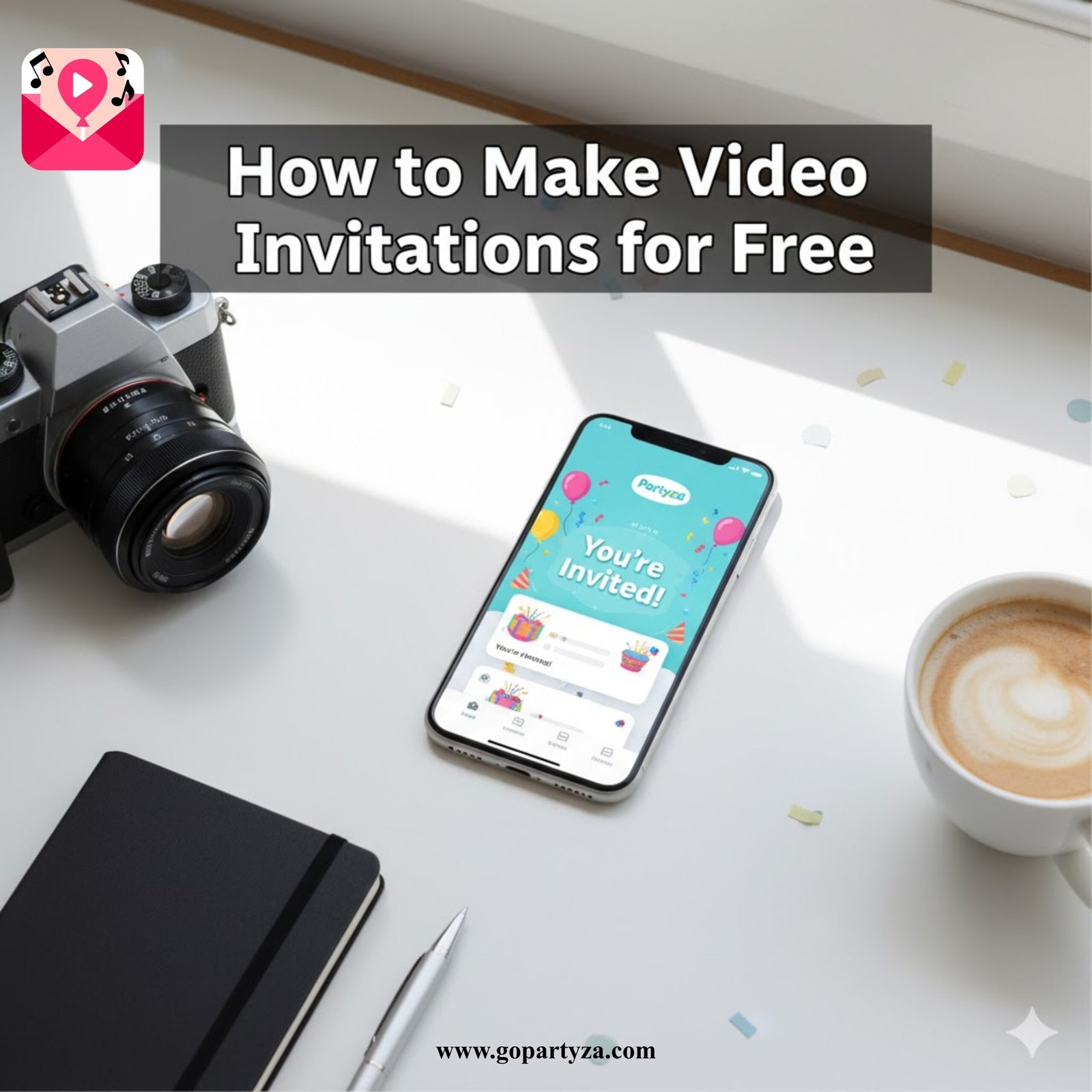
In today’s digital age, a simple text message just isn’t enough. Video invitations have become the most popular and engaging way to announce your special events. Whether it’s a birthday bash, a dream wedding, or a casual get-together, learning how to make video invitations for free adds a personal touch that excites your guests instantly.
With Partyza, a leading video invitation maker app, crafting these invites has never been easier. You don’t need to hire a designer or pay for expensive software. Let’s dive into exactly how you can create professional, captivating invitations right from your phone.
Why Choose Video Invitations Over Text?
Video invitations offer a dynamic experience that traditional paper invites simply cannot match.
Set the Vibe: Convey the energy of your party with music and animation.
Showcase Creativity: Use photos and videos to tell a mini-story.
Eco-Friendly: Digital invites are a sustainable, zero-waste choice.
Cost-Effective: You can create stunning results without spending a dime.
Introducing Partyza: Your Free Video Invitation Maker
Partyza is an intuitive app designed for everyone. It empowers you to create professional-looking invitations without needing any design skills. With a massive library of templates and a simple drag-and-drop interface, Partyza makes the design process accessible to everyone.
Step-by-Step Guide: How to Make Video Invitations for Free
Follow these 5 simple steps to create your masterpiece in under 5 minutes.
Step 1: Download the App
Start by downloading the Partyza app from the Google Play Store. It’s free to install and works on all Android devices. No account creation is needed to start browsing!
Step 2: Choose Your Perfect Template
Browse through Partyza’s extensive collection. We have categories for every occasion:
Weddings & Save the Dates
Kids & Adult Birthdays
Baby Showers & Gender Reveals
Festivals (Diwali, Christmas, Eid)
on’t start from scratch. The secret of how to make video invitations for free is picking a pre-made template that matches your theme perfectly.
Step 3: Customize Your Details
Once you’ve selected a template, tap to edit.
Text: Change the name, date, time, and venue address.
Photos: This is key! Upload a personal photo from your gallery. A picture of the birthday boy or the happy couple makes the invite truly unique.
Colors & Fonts: Adjust the style to match your party’s color scheme.
Step 4: Add the Perfect Music
Music sets the mood. Partyza offers a library of royalty-free music tracks, from upbeat birthday songs to romantic wedding melodies. Select a track that complements the theme of your event.
Step 5: Preview and Share
Hit the “Preview” button to see your video in action. If it looks perfect, tap “Export.” You can now share your high-quality video invitation directly via WhatsApp, Instagram, Facebook, or email.
3 Pro-Tips for Making Your Video Stand Out
Now that you know the basics of how to make video invitations for free, use these tips to take your design to the next level.
1. Keep it Short & Sweet
The best video invitations are between 15 to 30 seconds long. This is enough time to show the key details (Who, When, Where) without losing your guest’s attention.
2. Use High-Quality Photos
Your video is only as good as the photos you use. Avoid blurry or dark images. Use bright, clear, high-resolution photos to make your invitation look professional.
3. Include a Clear RSVP
Don’t forget to tell people what to do next! Add a clear text line at the end of your video like: “RSVP to Rahul by Nov 25th” or “Click the link to RSVP.”
Conclusion: Start Designing Today
Learning how to make video invitations for free doesn’t have to be daunting or expensive. With Partyza, you have a powerful tool at your fingertips that simplifies the process, making it fun and free.
By following the steps outlined above, you can craft an invitation that captures the essence of your event and excites your guests.
Start designing your unforgettable video invitations with Partyza today and make your next event a memorable one.
Get Partyza: The #1 Free Video Invitation Maker
Frequently Asked Questions (FAQs)
Yes! Partyza is free to download and offers thousands of free templates that you can customize and share without paying a cent.
Absolutely. While Partyza provides a library of music, you can also upload your own audio files to give your invitation a personal soundtrack.
After you finish creating your video, simply tap the “Share” button and select the WhatsApp icon. You can send it to individual contacts or share it in your group chats instantly.
Not at all! With Partyza, the process is simple. You just pick a template, add photos, and share. It is the easiest way to learn **how to make video invitations for free** in minutes.